
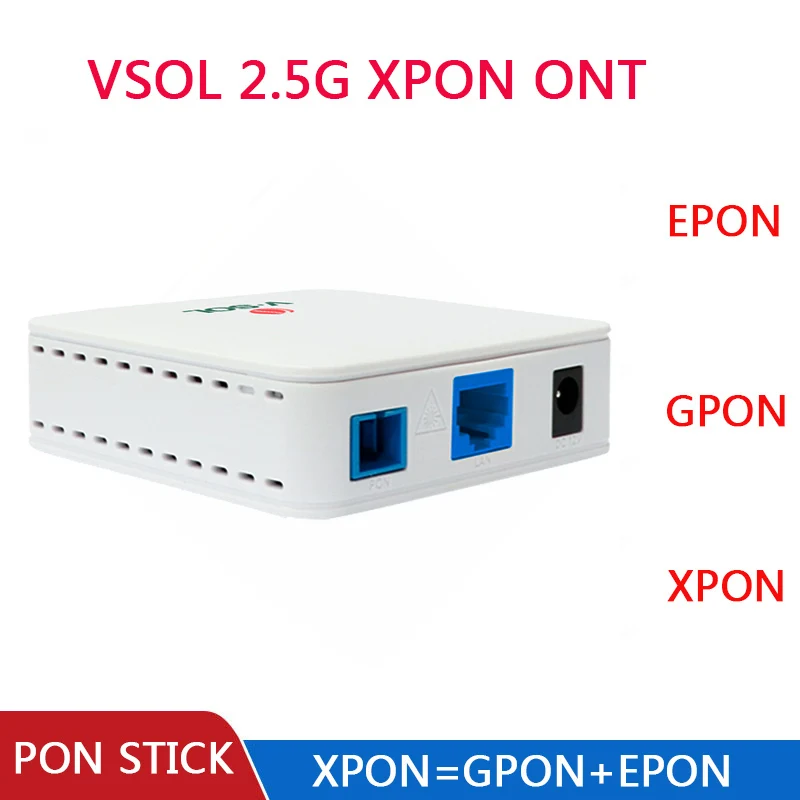
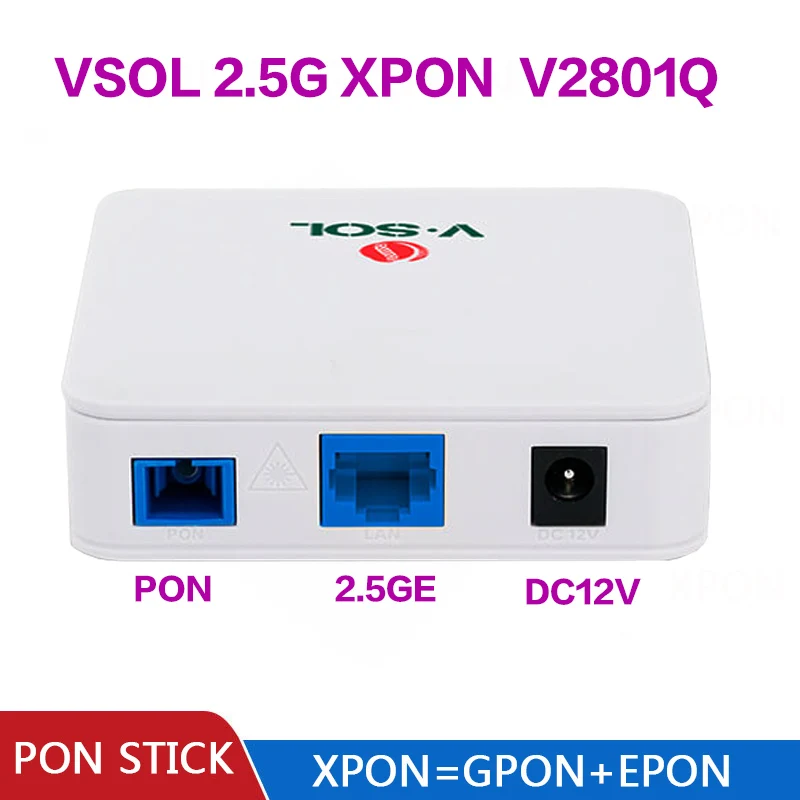
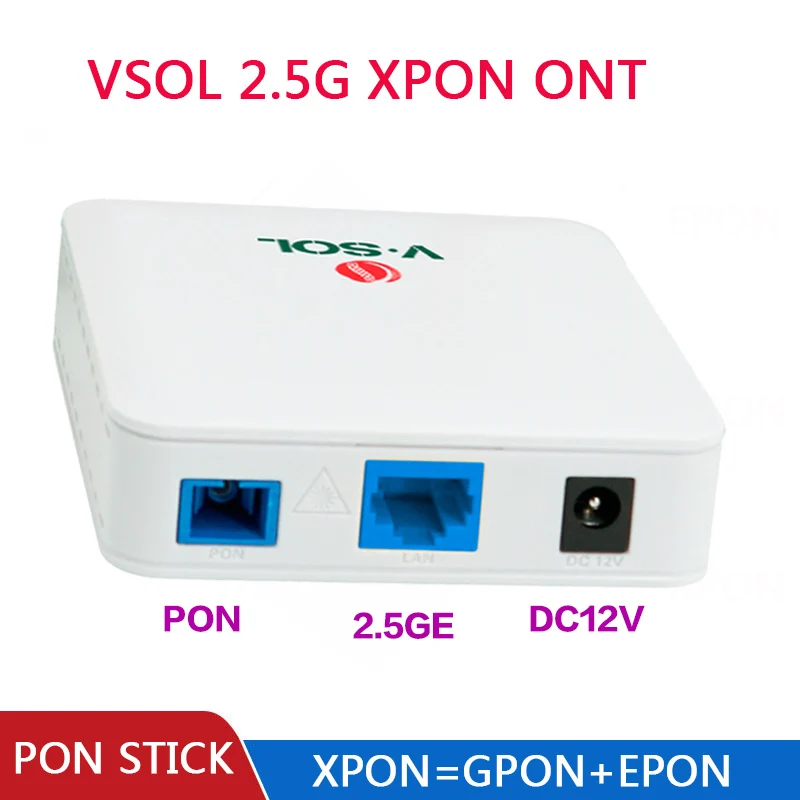
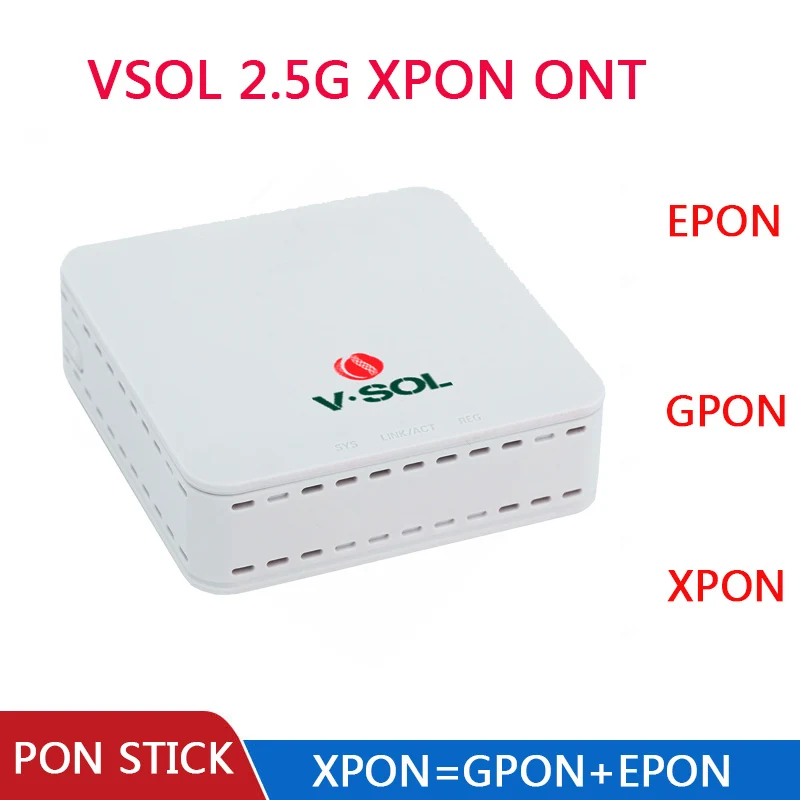
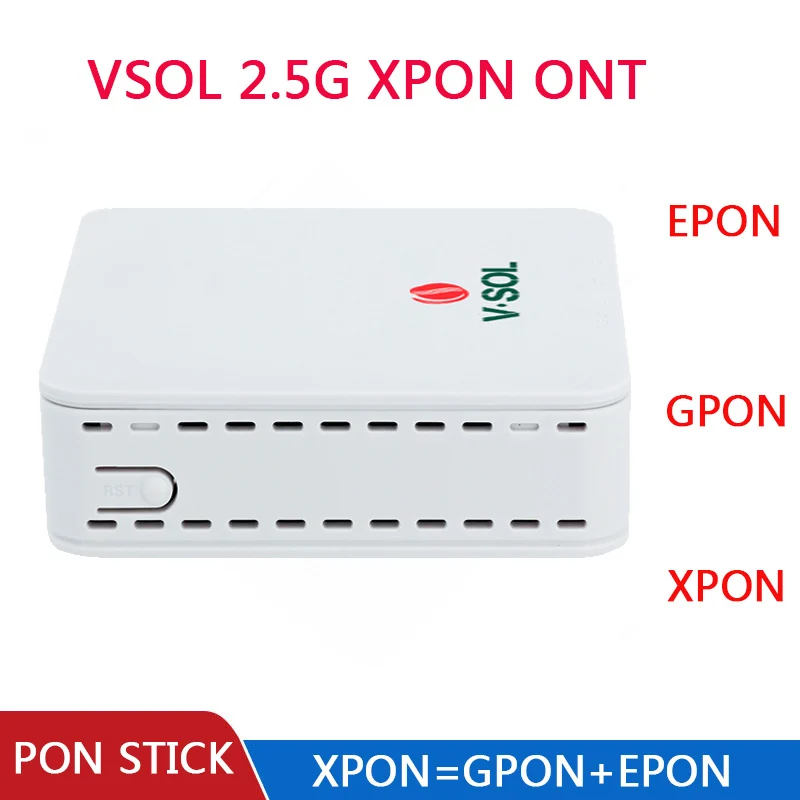
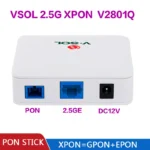
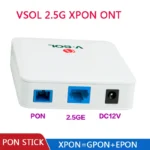
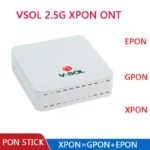
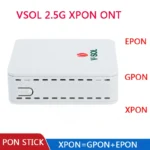
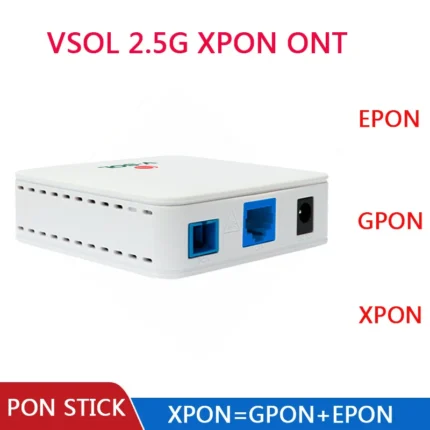
VSOL 2.5Gb XPON ONT V2801Q EPON GPON ONU SC Connector PON Module HGU PPPoE IPoE 802.3ah OLT
Price range: 4,305.05৳ through 4,402.20৳
| Color |
1PCS With EU Power ,1PCS With US Power |
|---|
♦ Disclaimer: AliMarket একটি ক্রস বর্ডার শপিং সার্ভিস প্রোভাইডার। আমাদের মূল লক্ষ্য বর্ডার বাধা পেরিয়ে আপনাকে কাঙ্ক্ষিত পণ্য এনে দেওয়া। AliMarket এ প্রদর্শিত প্রোডাক্ট বিভিন্ন থার্ড পার্টি শপিং ওয়েবসাইট থেকে সংগৃহীত। অর্থাৎ AliMarket সরাসরি কোন পণ্যের সেলার বা ম্যানুফ্যাকচারার নয়। তাই AliMarket কোনো প্রাসঙ্গিক, জামানত বা যৌথ দায় নিতে বাধ্য নয়। তবে গ্রাহক স্বার্থ রক্ষার্থে শপিং ওয়েবসাইটের রিফান্ড পলিসি অনুসারে AliMarket বিফর এবং আফটার সেলস সার্ভিস দেয়। AliExpress এর কিছু প্রোডাক্টে কাস্টমস চার্জ যুক্ত হয়। তবে কাস্টমস চার্জ হলে সরকারী স্লিপ এ ট্যাক্স দিয়ে পণ্য গ্রহণ করতে হবে।
- Power Source: Non-Powered
- Wireless Function: No
- High-concerned chemical: None
- Size: 30*12*3
- Fiber Type: Single Mode
- Compatible: Mikrotik,Transition Networks,Cisco,TP-link,D-Link,Linksys,IBM,Avaya,H3C,Huawei
- Connector Type: Hybrid
- Item Length: 30M
- Model Number: 10G-RJ45-30m
- Brand Name: sevenlayer
- Origin: Mainland China
- Certification: CE
|
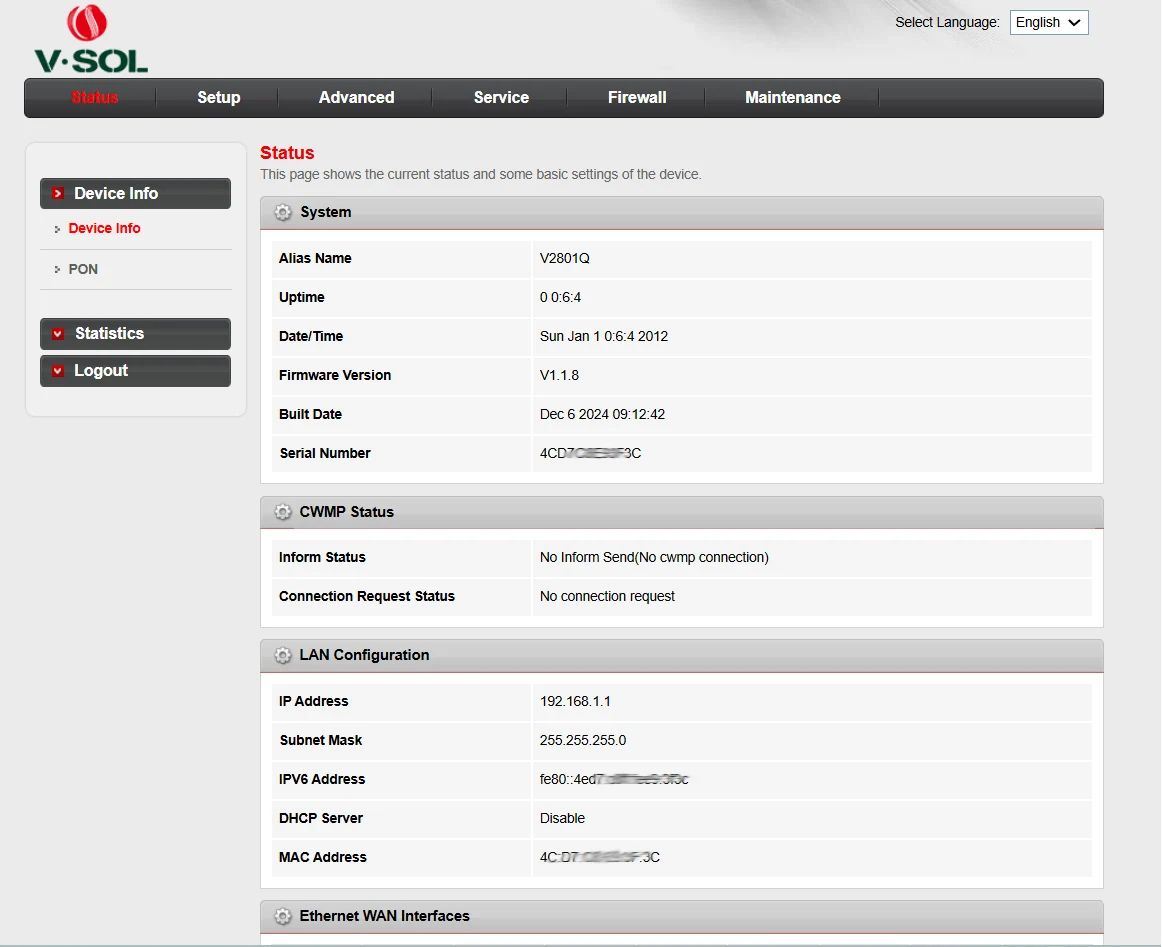
Full DIY Custom Authentication Support | VSOL V2801Q V2802RH 2.5G XPON ONT This VSOL V2801Q & V2802RH 2.5G XPON ONU is the top choice for FTTH DIY enthusiasts, network engineers and broadband technicians. All Editable PON Authentication Parameters
|
|
|
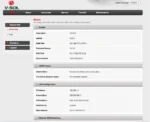
Step 1 Login Web Management Page
Step 2 Modify GPON Authentication (For GPON Network)Enter menu: PON → GPON Config Edit SN: Input your ISP-provided device serial number Fill GPON Password, Vendor ID, Equipment ID Click Apply & Reboot device Wait 30s for OLT automatic registration Step 3 Modify EPON LOID Authentication (For EPON Network)Switch PON mode to EPON on homepage Go to PON → EPON Register Input official LOID string + LOID password from your ISP Save settings, reboot ONU to complete EPON authentication Step 4 Custom WAN PPPoE & VLAN SetupMenu: Network → WAN Connection Delete default carrier pre-configured WAN rule Create new WAN connection:
Save, internet access works immediately Perfect For These DIY & Engineering Scenarios
|
|
|
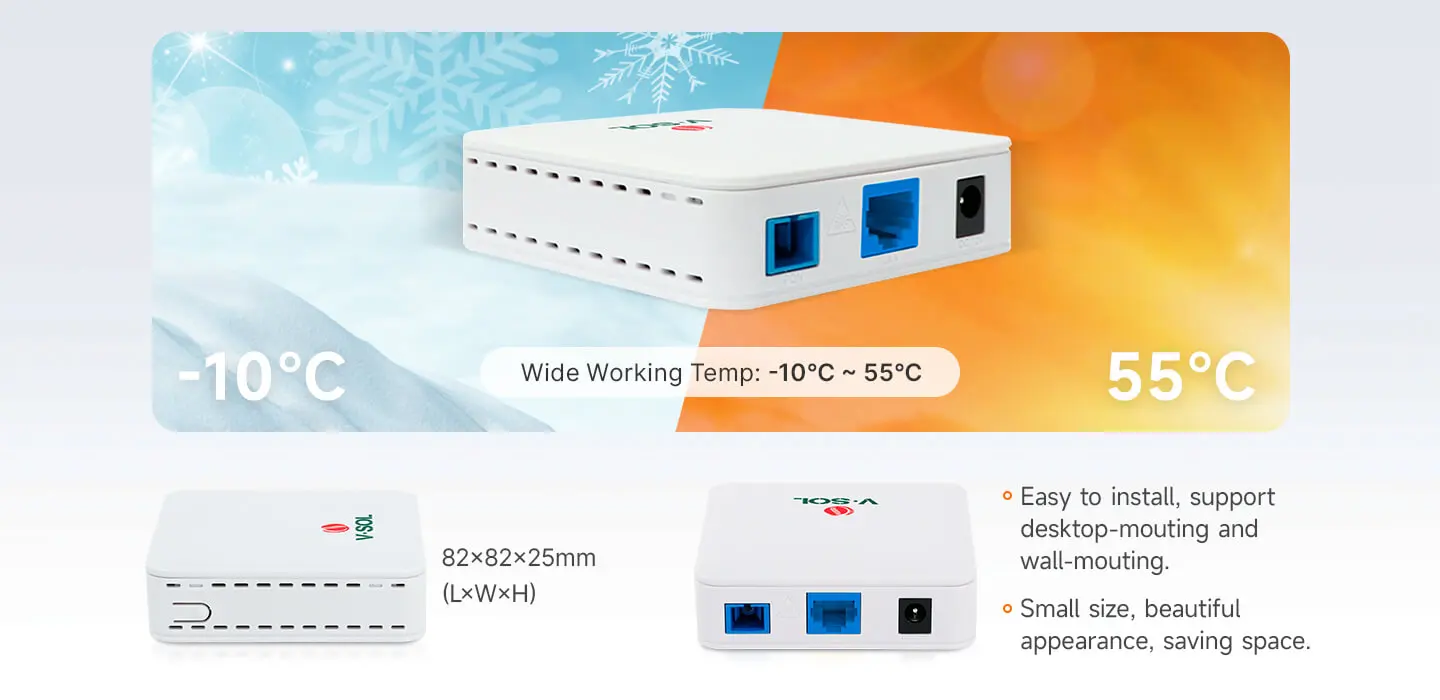
Dimension |
82mm×82mm×25mm(L×W×H) |
|
Net weight |
NA |
|
Operating condition |
Operating temp: -10 ~ +55°C Operating humidity: 5 ~ 95% (non-condensing) |
|
Storing condition |
Storing temp: -40 ~ +70°C Storing humidity: 5~ 95% (non-condensing) |
|
Power adapter |
DC 12V, 0.5A, external AC-DC power adaptor |
|
Power supply |
≤4W |
|
Interfaces |
2.5GbE |
|
Indicators |
SYS, LINK/ACT, REG |
|
○Interface parameter |
|
|
PON interface |
1 XPON port(EPON PX20+ & GPON Class B+) SC single mode, SC/UPC connector TX optical power: 0~+4dBm RX sensitivity: -27dBm Overload optical power: -3dBm(EPON) or -8dBm(GPON) Transmission distance: 20KM Wavelength: TX 1310nm, RX1490nm |
|
LAN interface |
1*2.5GbE, Auto-negotiation RJ45 connectors |
|
○Function Data |
|
|
XPON Mode |
Dual mode,Auto-access to EPON/GPON OLT |
|
Uplink Mode |
Bridging and Routing Mode |
|
Abnormal protection |
Detecting Rogue ONU, Hardware Dying Gasp |
|
Firewall |
DDOS, Filtering Based on ACL/MAC/URL |
|
○Product Feature |
|
|
Basic |
Support MPCP discover®ister Support authentication Mac/Loid/Mac+Loid Support Triple Churning Support DBA bandwidth Support auto-detecting, auto-configuration, and auto firmware upgrade Support SN/Psw/Loid/Loid+Psw authentication |
|
Alarm |
Support Dying Gasp Support Port Loop Detect Support Eth Port Los |
|
LAN |
Support Port rate limiting Support Loop detection Support Flow control Support Storm control |
|
VLAN |
Support VLAN tag mode Support VLAN transparent mode Support VLAN trunk mode(max 8 vlans) Support VLAN 1:1 translation mode(≤8 vlans) |
|
Multicast |
Support IGMPv1/v2/Snooping Max Multicast vlan 8 Max Multicast Group 64 |
|
QOS |
Support 4 queues Support SP and WRR Support 802.1P |
|
L3 |
Support IPv4/IPv6 Support DHCP/PPPOE/Static IP Support Static route Support NAT |
|
Management |
Support CTC OAM 2.0 and 2.1 Support ITUT984.x OMCI Support WEB Support TR069 Support TELNET Support CLI |
Q1: Can I change the GPON SN / EPON LOID freely?
Q2: Will modifying authentication parameters damage the device?
Q3: Is it compatible with Huawei / ZTE / Fiberhome OLT?
Q4: Do I need professional tools to edit registration info?
Disclaimer: Parameter modification shall comply with local internet service operator regulations. This device is designed for technical testing and authorized broadband replacement use.





Reviews
There are no reviews yet.